
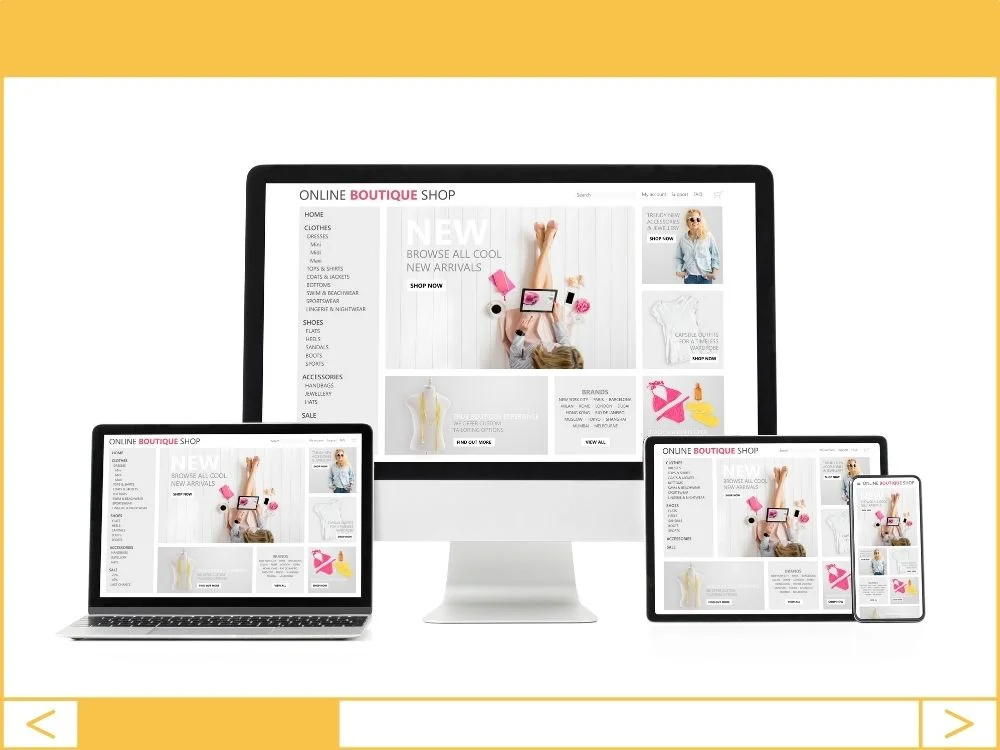
In 2026, a website that doesn’t work on a phone isn’t just a “minor tech issue”—it’s a hole in your bucket where money is leaking out. If your site forces users to “pinch and zoom” to read your pricing, they aren’t going to buy; they’re going to leave.
I see business owners obsess over desktop layouts because that’s where they do their work, but your customers are finding you on the train, in line for coffee, or during a 30-second break on their smartphones. If you aren’t mobile-first, you’re invisible.
1. Stop Buying Cheap, Slow Hosting
Your hosting is the foundation of your entire digital presence. If you’re paying $3 a month for “budget” hosting, you’re essentially building a skyscraper on a swamp. Cheap servers lag under the pressure of mobile requests, and a slow-loading site is the fastest way to kill your conversion rate.
- Business Benefit: Faster load times lead to lower bounce rates and higher sales.
- Expert Opinion: Skip the entry-level Bluehost plans. If you’re serious about growth, move to SiteGround for mid-tier or WP Engine for premium managed hosting. Your time is worth more than the $15 difference.
2. Pick a Theme That Isn’t Bloated
Most “multi-purpose” themes are filled with thousands of lines of code you will never use. This “bloat” slows down your mobile performance and creates a clunky user experience. You need a lightweight framework, not a digital Swiss Army knife.
- Business Benefit: A clean theme passes Google’s Core Web Vitals, which is a massive SEO win.
- The Pro Shortlist: Stick to Astra, GeneratePress, or Kadence. They are built for speed and adapt perfectly to any screen size right out of the box.
3. The “Thumb Test” for Mobile Design
When customizing your site, stop looking at it on your 27-inch iMac. Use the WordPress Customizer to toggle the mobile view and try to navigate your site with one hand. Are the buttons big enough to tap? Is the font size at least 16px? If it’s hard for you, it’s impossible for your customers.
- Business Benefit: Reducing friction in the user journey directly increases your leads and inquiries.
4. Image Optimization is Non-Negotiable
High-resolution photos from your photographer are beautiful, but they will “break” a mobile data connection if they aren’t compressed. You don’t need a 5MB image for a 4-inch screen.
- Business Benefit: Optimized images save bandwidth and make your site feel “snappy,” which builds trust with the user.
- Expert Opinion: Use the WebP format. It’s the gold standard for 2026. Don’t do this manually; install a plugin like ShortPixel or Imagify and let it run in the background.
5. Kill the Pop-ups and Heavy Elements
Nothing ruins a mobile experience faster than a giant “Join our Newsletter” pop-up that the user can’t find the “X” to close. If it’s annoying on desktop, it’s fatal on mobile.
- Business Benefit: A cleaner UI keeps people on your site longer, which signals to Google that your content is valuable.
- The Reality Check: If your page takes more than 3 seconds to load because of fancy animations, delete the animations. Speed beats “pretty” every single time.
6. Test on Real Devices
Google’s “Mobile-Friendly Test” is a good start, but it’s not a substitute for the real thing. Borrow an iPhone, an Android, and a tablet. Walk through your contact form on all of them.
- Business Benefit: You’ll catch the “broken” links and overlapping text that automated tools miss, saving you from lost leads.
Founder’s Action Item
Open your website on your own smartphone right now. Try to fill out your contact form or buy your own product. If you feel even a second of frustration, your customers feel it tenfold. Make a list of the three most annoying things you found and tell your developer (or yourself) to fix them by Friday.